Studio Four
Studio Four is a music studio built around a four-track cassette machine: synths, drums, a step sequencer, a song arranger, a tape deck and a mixer, designed for fingers on glass rather than a mouse and keyboard.
Coming to the App Store for iPad. Requires iPadOS 17 or later.
Synths and sampler
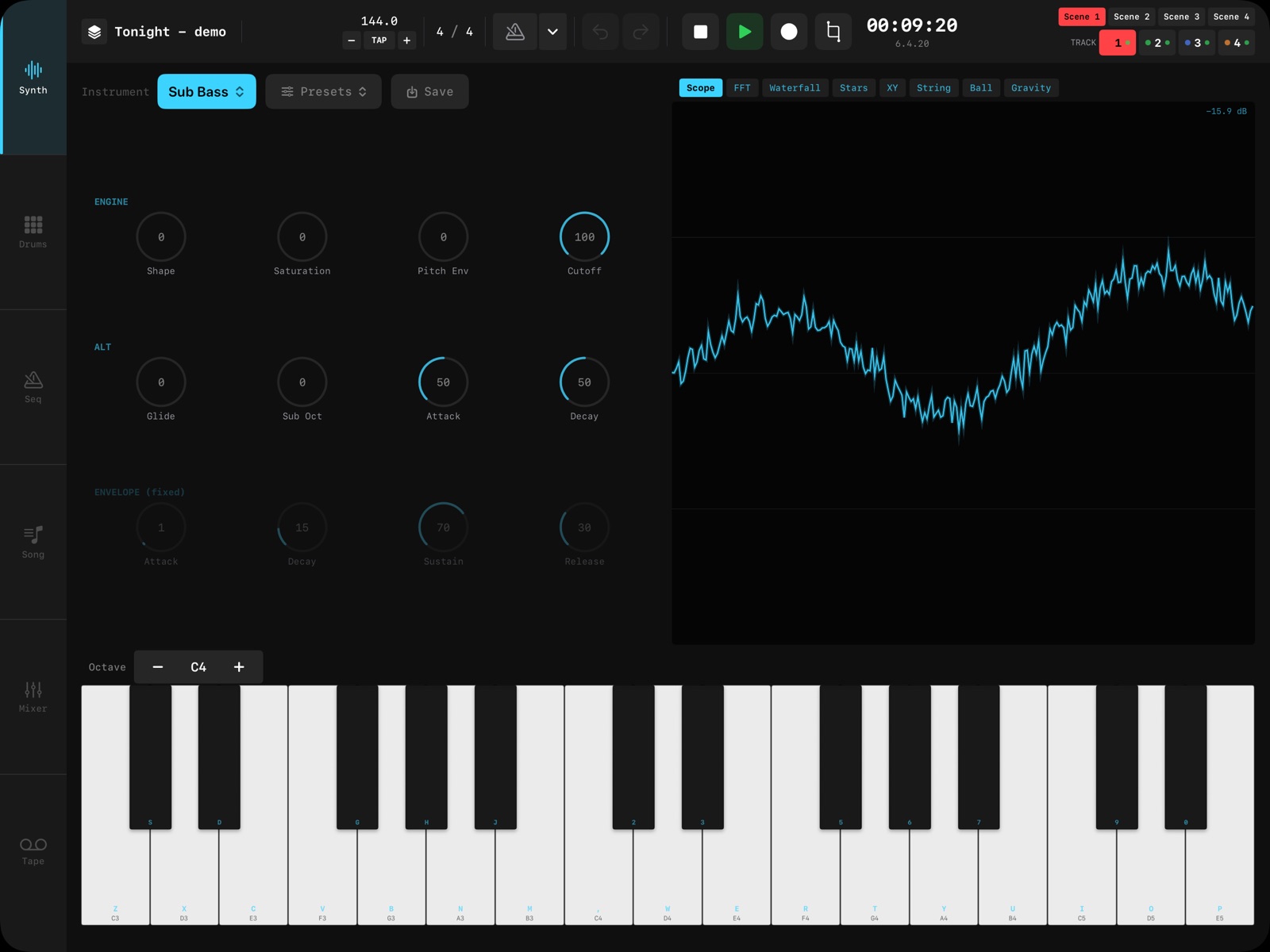
Sixteen synth engines, among them subtractive, FM, wavetable, granular, plucked string, drawbar organ, 8-bit chip and lo-fi tape. Every engine puts all eight of its knobs on screen at once, with a live scope beside them. There’s also a sampler: load any sound, set its loop points and play it up and down the keys. Play the multitouch keyboard or any MIDI controller.
Drums
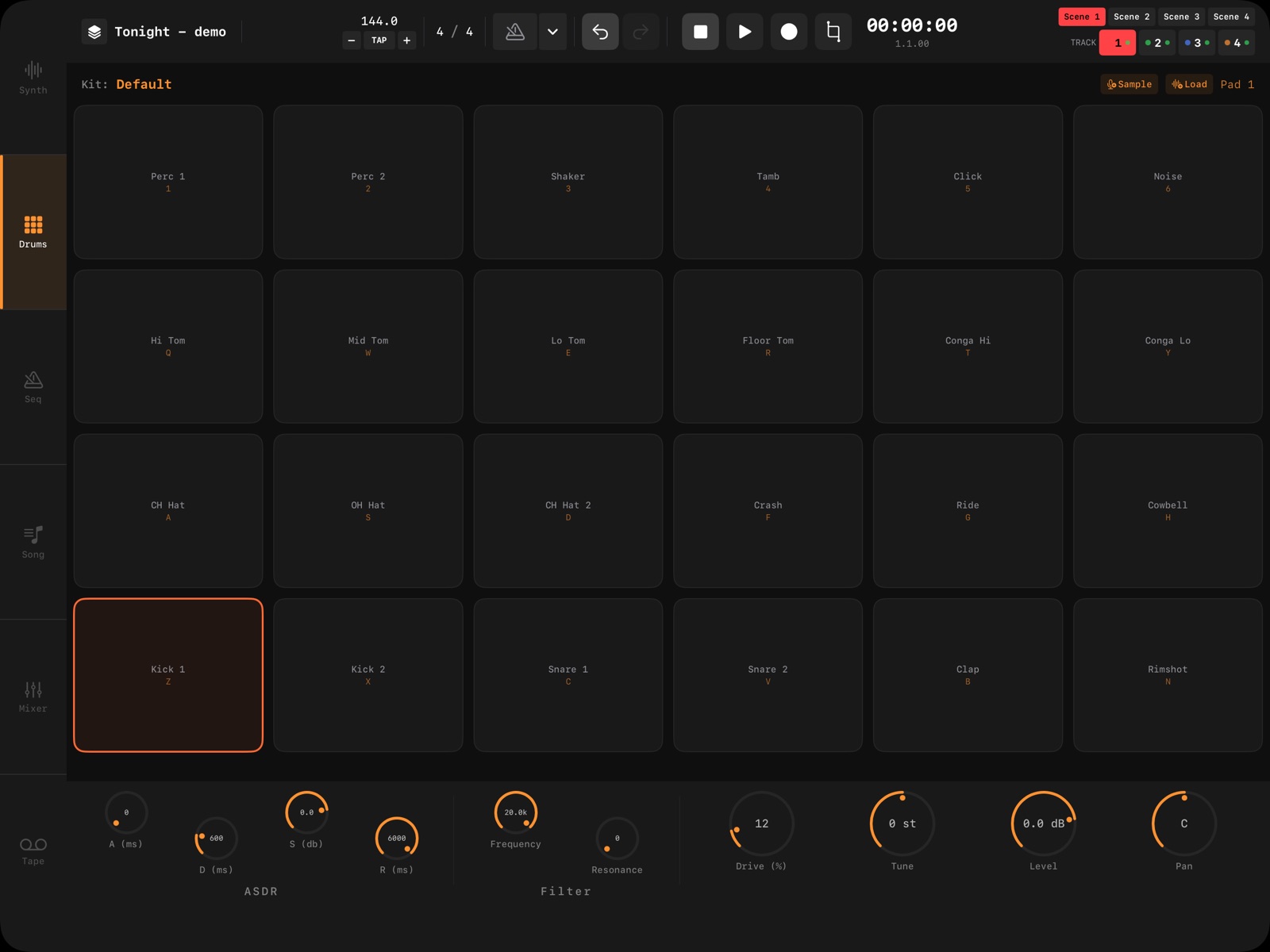
A 24-pad drum machine with 12 kits. Every pad has its own envelope, filter, drive, tuning, level and pan. Record straight from the microphone onto a pad, or load your own samples.
Sequencer
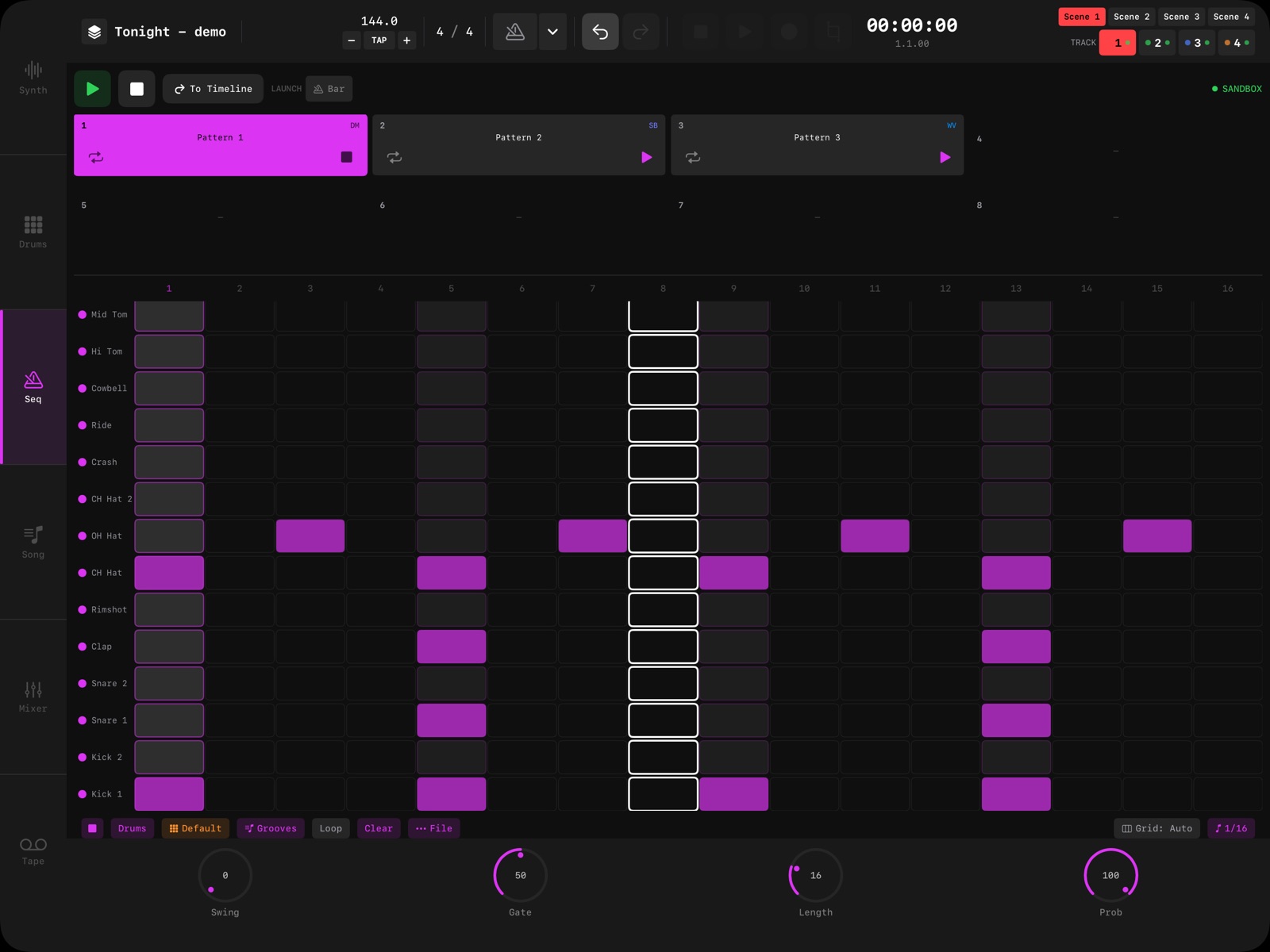
Twelve pattern slots with swing, gate and probability, and a note grid that spans the whole keyboard. Launch patterns on the next bar or instantly, and audition them without touching your arrangement.
Song
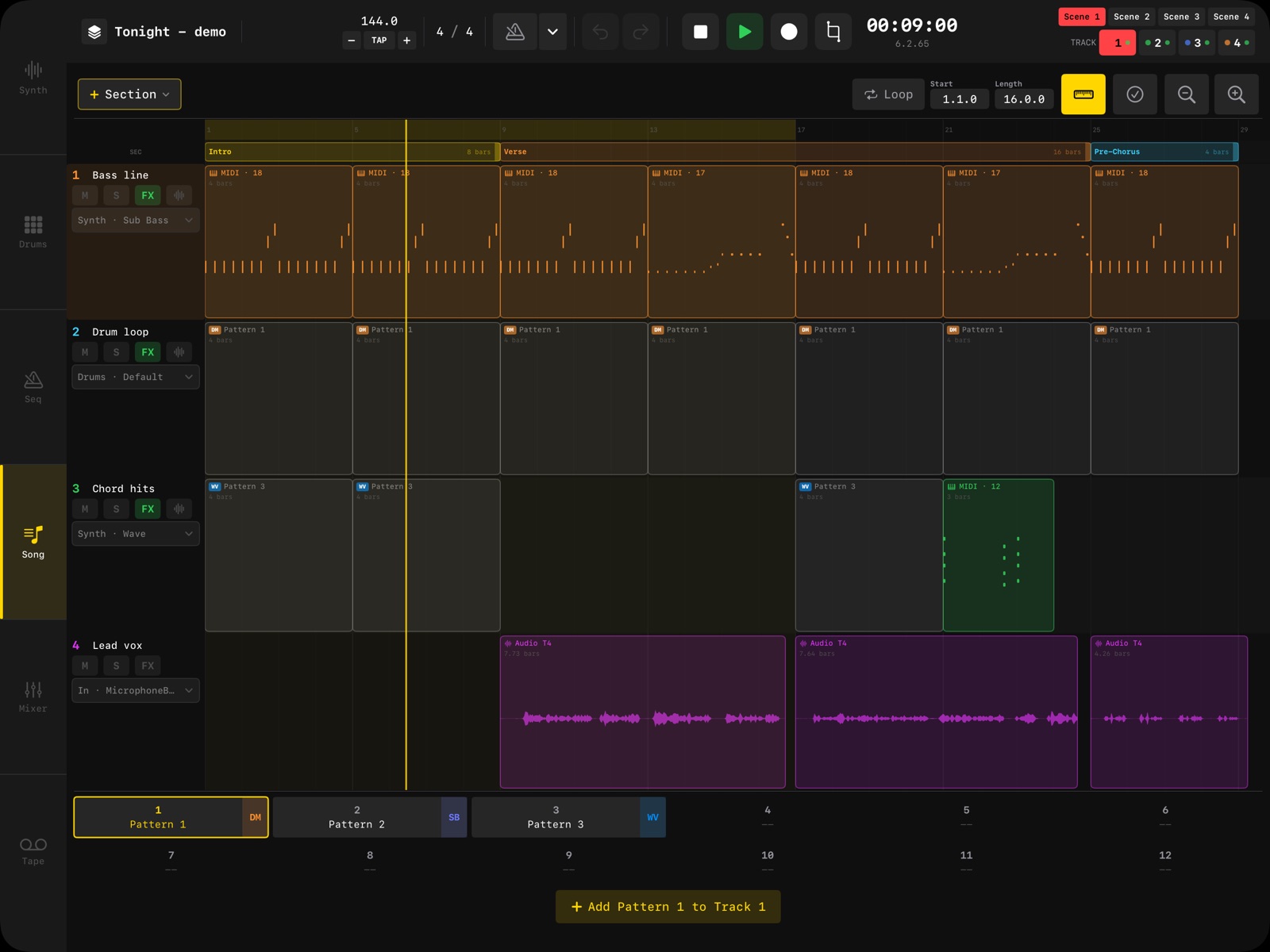
Arrange pattern, MIDI and audio clips across four tracks, each with its own instrument and input. Name and repeat sections, record MIDI with quantize, edit notes in a full piano roll, and bounce the four tracks down.
4-track tape
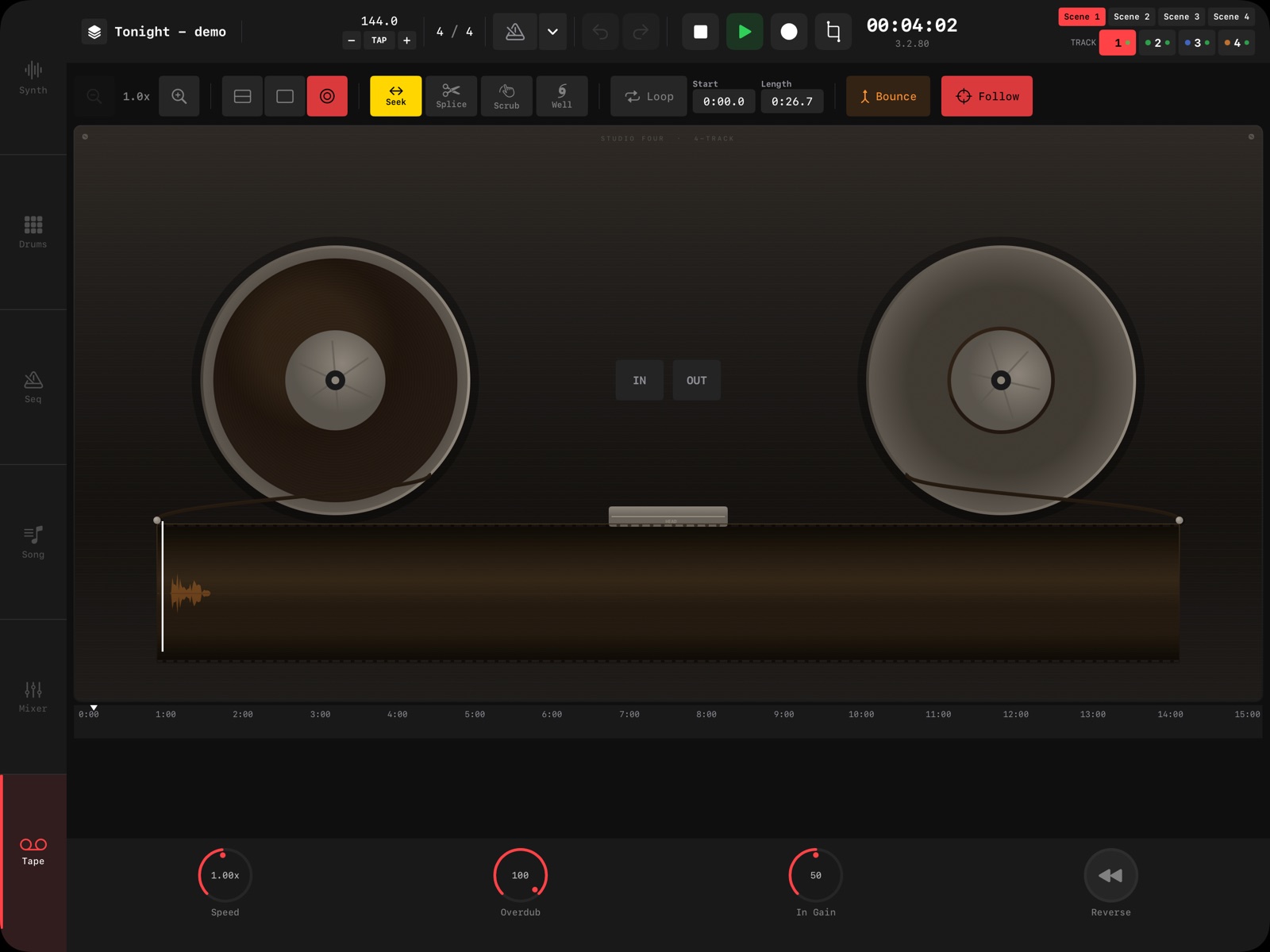
Record, overdub and layer onto four tracks of tape. Splice with cut, copy, paste and insert. Varispeed and reverse give you tape-stop and pitch effects. Loop recording, and gravity wells that warp tape speed around a point on the reel. Scenes keep alternate takes on the same tape.
Mixer and effects
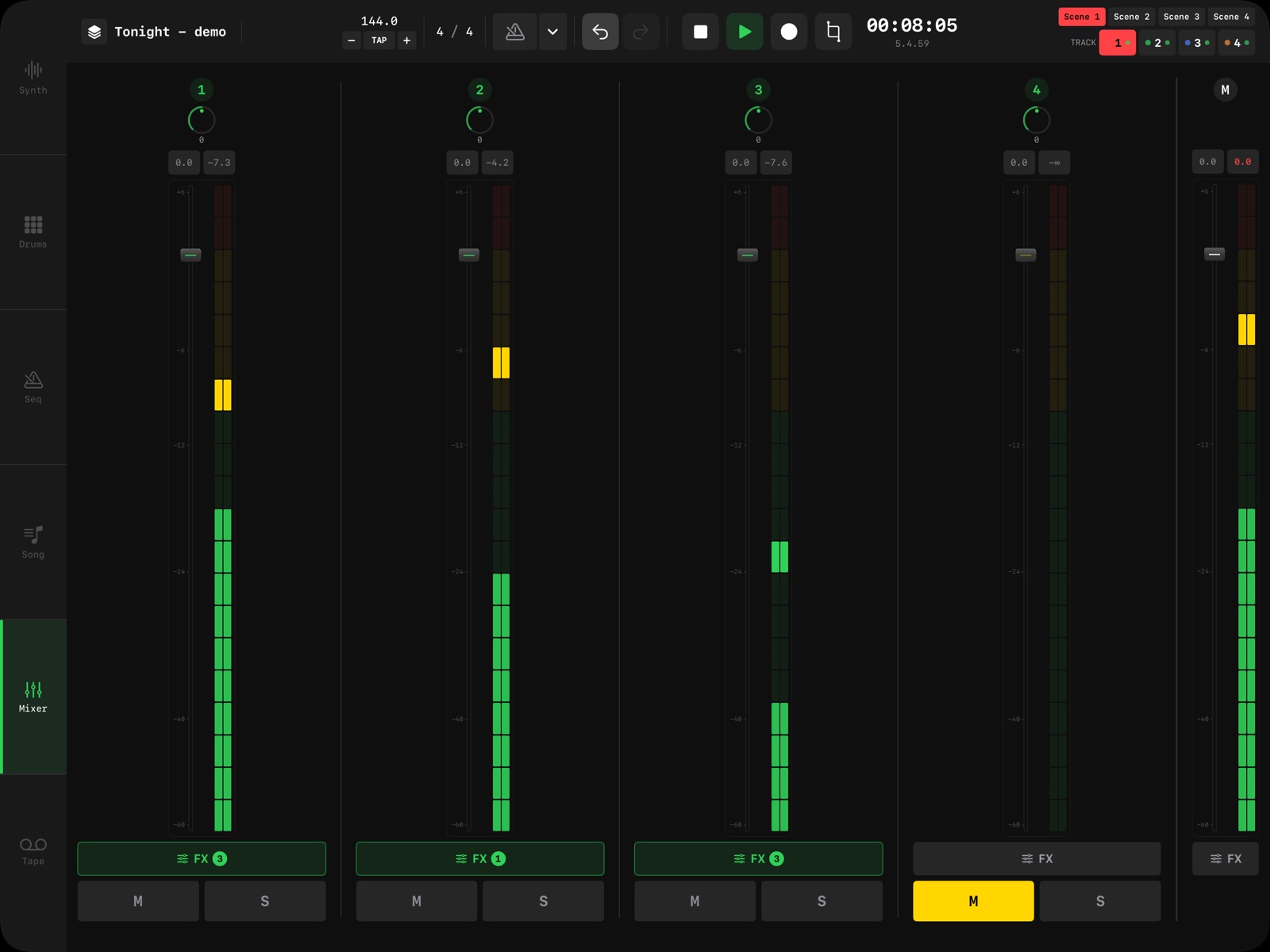
Four channels and a master bus, each with four effect slots. Fourteen effects: delay, reverb, distortion, two EQs, compressor, phaser, chorus, flanger, tremolo and tape saturation, plus utility, spectrum and tuner tools. Most have their own visual panel.
Built for iPad
Every action has a touch path; nothing is hidden behind a modifier key. One undo history covers the whole app. Record from the built-in microphone or an audio interface, or resample the master mix onto a track. Import WAV, AIFF, MP3, M4A and CAF audio; export WAV, AIFF or M4A; import and export MIDI files.
Private by design
No accounts, no ads, no tracking. Studio Four collects no data and never connects to the internet. Everything you make stays on your iPad. Read the privacy policy.
Need a hand?
Contact details and common questions are on the support page.